Learn French with YouTube
Turn any video into French lesson, with subtitles, translations, and exercises that appear while you watch.

seo.learnWithYoutube.fr.watchingTitle
seo.learnWithYoutube.fr.watchingText
Why learn French on YouTube?
Textbooks rarely sound like real life. On YouTube, you hear how people actually speak: slang, speed, humor, and cultural context included. The hard part is finding videos at your level and knowing what to do with new words.
LingoLingo fixes that: we recommend French videos that match your interests and level, then help you understand them with interactive exercises. Subtitles and instant translations are always available if you're stuck.
How LingoLingo helps you learn French
Videos picked for you
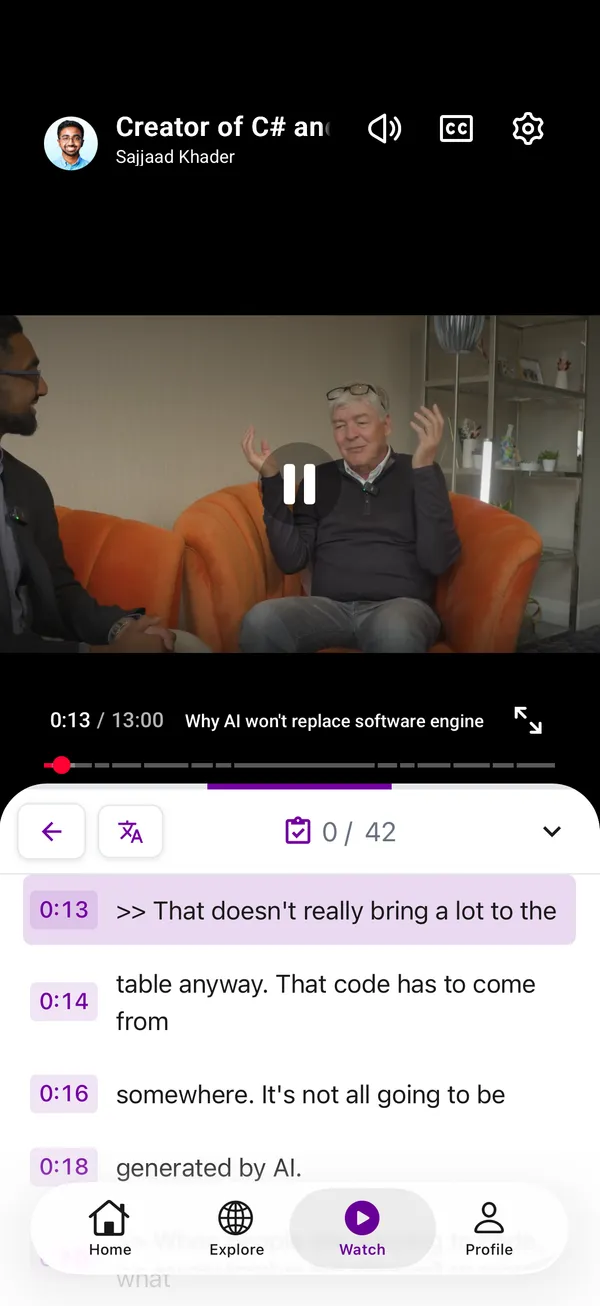
Tap Start Watching to get French videos matched to your level and interests, whether you are into travel, gaming, tech, or anything else.
Learn while you watch
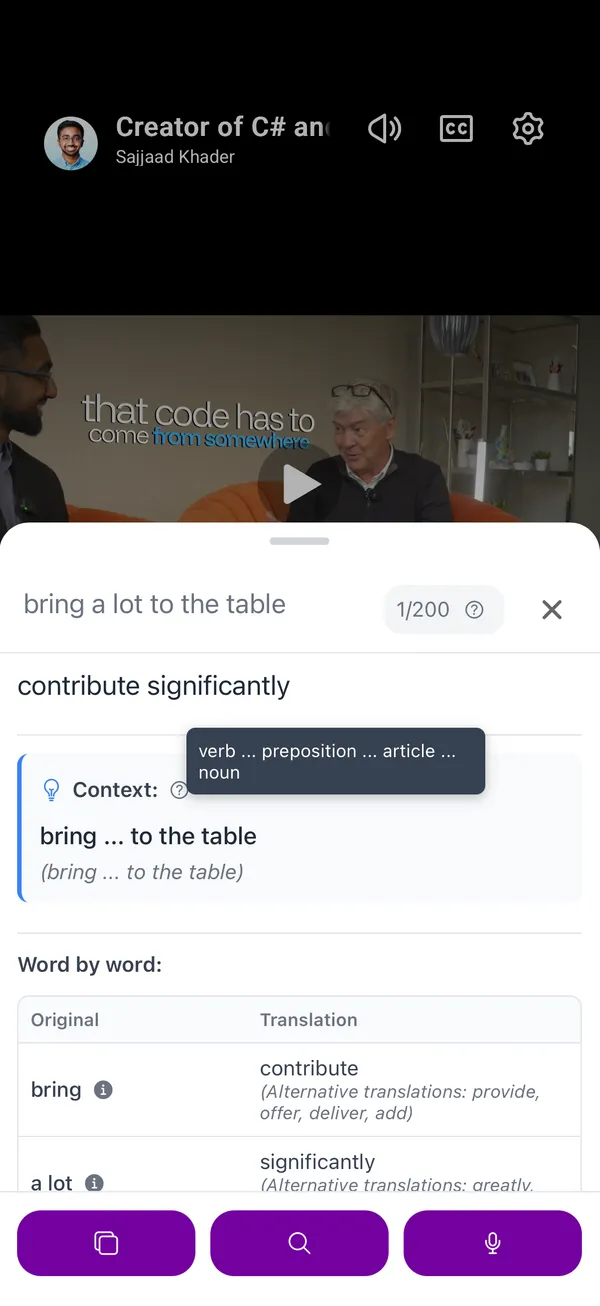
Tap words in the transcript to translate, and answer quick exercises without leaving the video.
Practice pronunciation
Record your voice and compare it to native speakers so you sound more natural over time.
Stay in the flow
No switching between apps. LingoLingo gives you everything you need to learn French in one place.
Real content, not textbooks
Learn from native YouTubers and topics you actually care about.
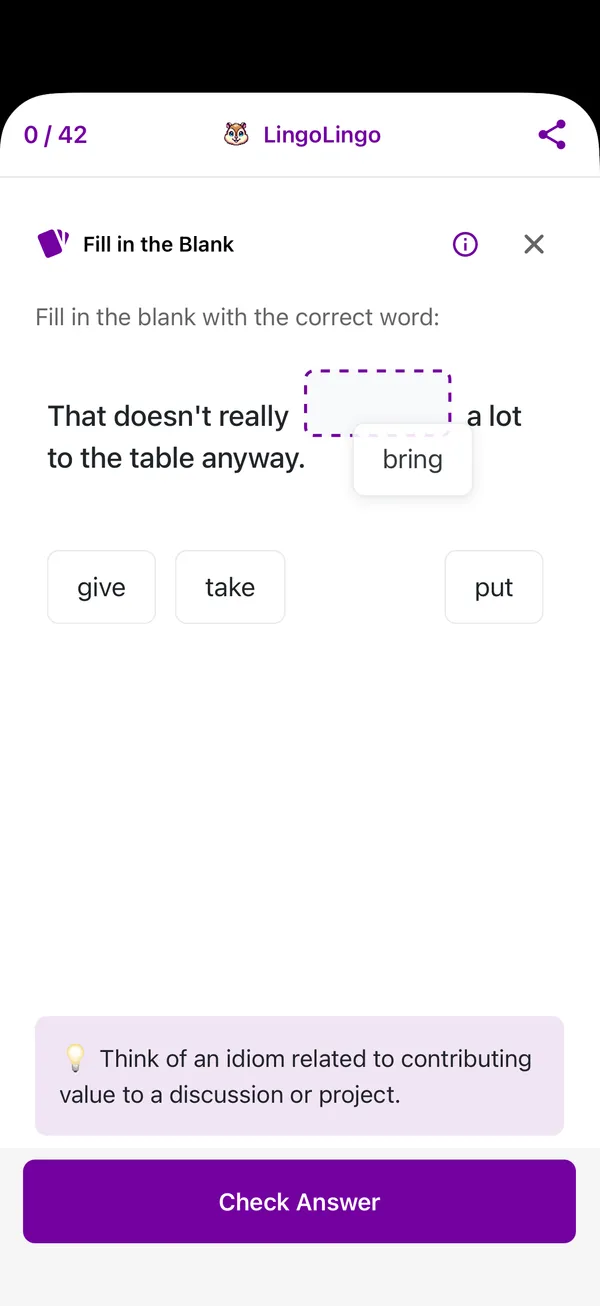
Exercises while you watch
Interactive exercises pop up automatically to build vocabulary and comprehension.
Matched to your level
AI finds videos at the right difficulty so you stay challenged, not overwhelmed.
Common questions
How does LingoLingo work for learning French?
Install the app and tap Start Watching to get French videos matched to your level and interests. As you watch, interactive exercises help you build vocabulary, grammar, and comprehension. You can tap any word in the transcript for an instant translation and practice pronunciation by comparing your voice with native speakers.
Does the YouTube video need subtitles?
No. The app works with any YouTube video. If a video does not have subtitles, we can generate them for you, though it may take a moment to load.
How much does using LingoLingo cost?
LingoLingo is free with ads, or you can remove ads with LingoLingo Pro.
Can I use my own YouTube videos?
Yes! You can paste any YouTube video link into LingoLingo and it will automatically generate interactive exercises, translations, and learning materials for that video. That way you learn with content you're already interested in watching.
Ready to learn French with YouTube?
Download LingoLingo and start watching—you pick the topics, we help you understand them.